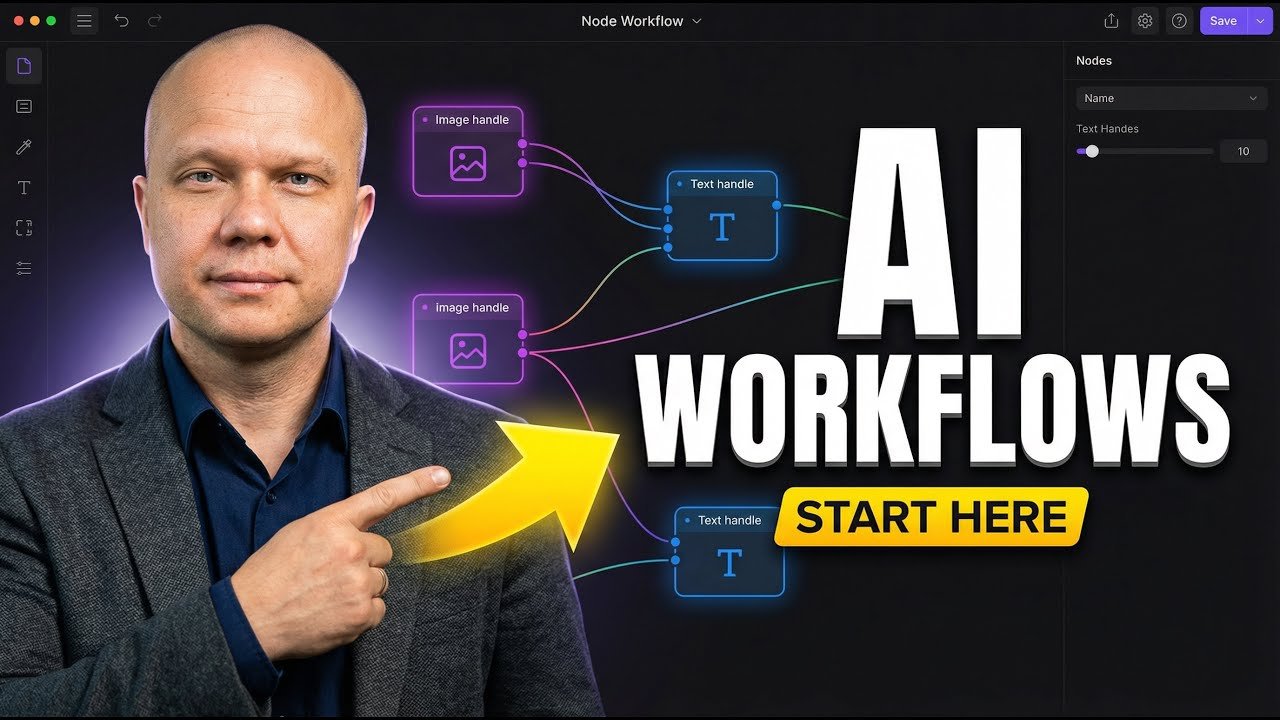
Stop Dreaming, Start Doing: Build Your Own AI Workflows
Alright, let’s cut the fluff. You’ve seen the headlines, heard the buzz. AI is everywhere, right? But how do you actually do something with it? Not just play with ChatGPT for an hour, but build something real. Something that actually saves you time or makes you money. That’s what this is about. We’re diving headfirst into building your own AI workflows. Forget the jargon, forget the complex code. This is for begiers. This is about getting your hands dirty and making AI work for you.
Source : youtube.com
Think about it. What if you could automate that tedious data entry? Or get instant summaries of long reports? Or even have an AI assistant that drafts emails based on your notes? Sounds like science fiction? Nah. It’s just a matter of coecting the right tools. And that’s precisely what an AI workflow is. It’s a series of automated steps, powered by AI, designed to accomplish a specific task. Simple as that.
We’re going to break down how to build these bad boys. From understanding the core concepts to actually putting together your first automated process. This isn’t about becoming a machine learning engineer overnight. It’s about practical, actionable steps you can take right now. Ready to ditch the busywork and embrace the future?
Why Bother Building Your Own AI Workflows?
Look, I get it. There are a million SaaS tools out there promising to do all sorts of AI magic. And sure, some are great. But here’s the thing: they’re often rigid. They do what they want them to do, not necessarily what you need them to do. Building your own means you get total control. You tailor it to your exact needs. Your business, your data, your processes. It’s personal.
Plus, think about the cost. Subscribing to a bunch of different AI tools? That adds up. Fast. Building your own workflow often means piecing together existing tools, some of which are free or low-cost. You’re not paying for features you’ll never use. You’re paying for exactly what you need. It’s efficient. It’s cost-effective.

Source : youtube.com
And let’s not forget the learning curve. Sure, setting up your first workflow might take a bit of effort. But once you get the hang of it? You’ve unlocked a superpower. You can tweak, adapt, and expand your workflows as your needs change. It’s about building a digital asset that grows with you. Way better than being locked into some proprietary system.
The Building Blocks: What You Actually Need
Okay, so what’s in the toolbox? Don’t worry, it’s not as intimidating as it sounds. At its core, an AI workflow is about coecting different pieces. Think of it like LEGOs. You’ve got:
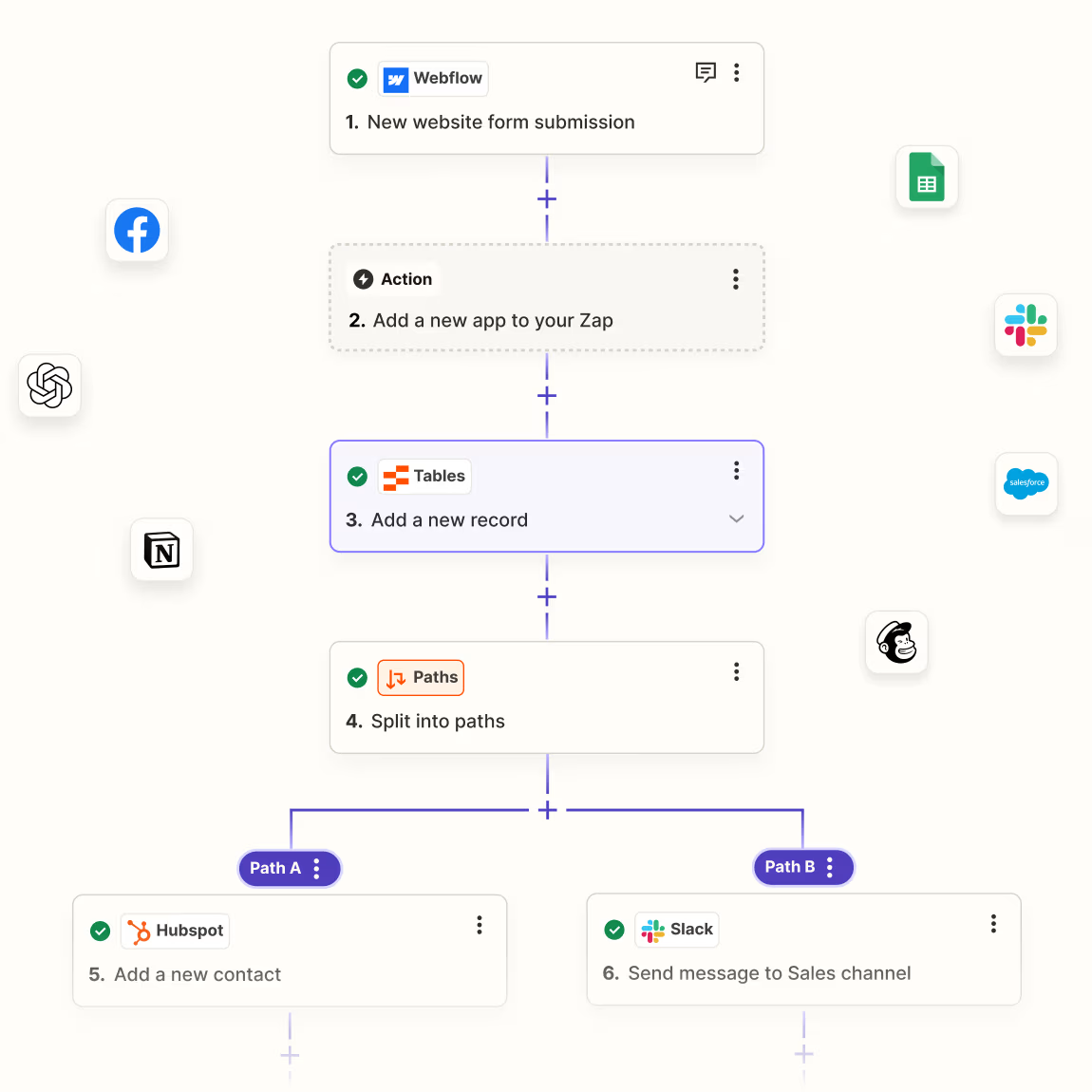
- Triggers: This is what starts your workflow. It could be an email arriving, a new file in a folder, a specific time of day, or even a button click. It’s the spark that ignites the whole process.
- Actions: These are the steps the workflow takes. This is where the AI magic happens. Drafting text, summarizing content, classifying data, sending notifications – you name it.
- Integrations: These are the coectors that allow different apps and services to talk to each other. Your trigger needs to talk to your action, and your action might need to talk back to another app.
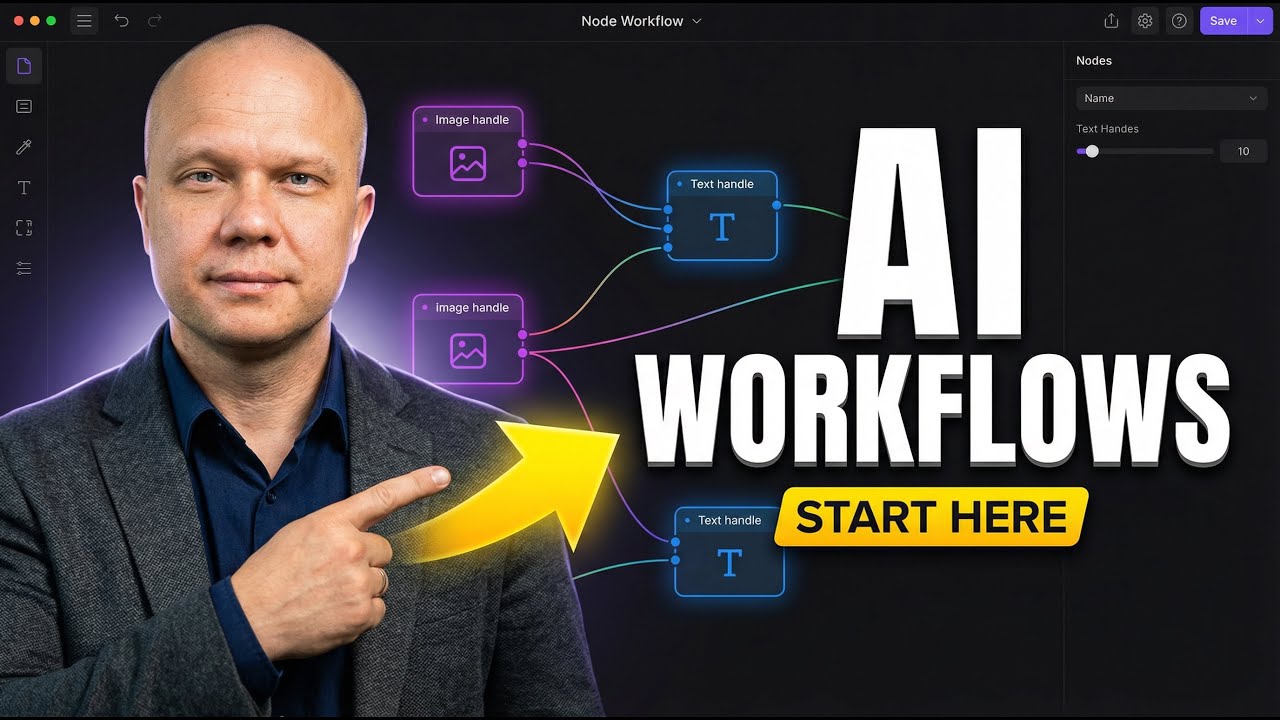
For begiers, the easiest way to get started is by using a visual workflow builder. These platforms let you drag and drop nodes (representing triggers and actions) and coect them with lines. No complex coding required. It’s all about the logic. One of the most popular and user-friendly options out there is n8n.io. It’s open-source, has a great community, and makes building these workflows feel more like playing a game than doing homework. Seriously, check out their introductory tutorial. It’s a fantastic starting point.
You’ll also need access to some AI models. Many workflow tools have built-in integrations with popular AI services like OpenAI (the folks behind ChatGPT), Anthropic (Claude), or even open-source models. You might need an API key from these services, which usually involves signing up and potentially a small fee depending on your usage. But for getting started, many offer free tiers or credits.
Your First AI Workflow: Summarizing Articles
Let’s build something concrete. How about a workflow that automatically summarizes articles you save to a specific folder? This is super useful if you’re researching a topic or just want to stay on top of industry news without reading every single word.
Step 1: Set up your tool.
If you’re using n8n, you’ll want to install it locally or use their cloud service. For this example, let’s assume you’re using the n8n desktop app. Fire it up.
Step 2: Create the Trigger.
We want this workflow to start when a new article is added to a specific folder. In n8n, you’d search for a node that monitors folders. Let’s say we find a ‘File Trigger’ or ‘Folder Watcher’ node. You’ll configure this node to point to the folder where you save your articles. Make sure it’s set to trigger when a new file is added.

Source : youtube.com
Step 3: Add the AI Action.
Now, we need the AI to do the heavy lifting. Search for an AI node. Since we’re using n8n, you’ll likely find nodes like ‘OpenAI’, ‘Anthropic Claude’, or a general ‘AI Text Generation’ node. Let’s pick the OpenAI node for now. You’ll need to plug in your OpenAI API key here. If you don’t have one, you can get it from the OpenAI website. (Keep this key secret! It’s like your digital key to the kingdom.)
Step 4: Configure the AI Node (The Prompt!).
This is crucial. You need to tell the AI what to do with the article. This is your prompt engineering. Keep it simple to start:
Summarize the following article in 3 bullet points for a busy executive.
In the n8n node, you’ll need to tell it where to get the text to summarize. You’ll coect the output of your File Trigger node to the input of this AI node. Specifically, you’ll likely point it to the content of the file that was just added.
Step 5: Add an Output Action.
What do you want to do with the ? You could have it email you, save it to a spreadsheet, or post it to a Slack chael. For this example, let’s just have it display the . Add a ‘Display Output’ node (or similar) and configure it to show the generated by the AI node. You’ll coect the AI node’s output to this display node.
Step 6: Test and Refine.
Hit the ‘Run’ button. Add a test article (a simple text file) to your designated folder. Watch the magic happen! The workflow should trigger, the AI should process the article, and you should see the . If it’s not quite right, tweak your prompt. Maybe you want 5 bullet points instead of 3. Maybe you want it in paragraph form. Experiment! This is where the real learning happens.
This is a super basic example, but it illustrates the core concept. Trigger -> AI Action -> Output. You can get incredibly sophisticated from here.
Taking It Further: More Advanced AI Workflows
Source : tactiq.io
Once you’ve got the hang of summarizing, the possibilities explode. What else can you automate?
Email Triage and Drafting
Imagine an AI that reads incoming emails. It can sort them by urgency, flag important ones, and even draft replies to common questions. You’d set up an email trigger, use an AI node to analyze the email’s content and sentiment, then use rules to either send a caed reply (maybe drafted by another AI call!) or flag it for your attention. This is a huge time-saver for anyone drowning in their inbox.
Content Generation and Repurposing
Got a blog post? Use AI to generate social media snippets, email newsletter blurbs, or even a script for a short video based on the original content. Your trigger could be a new blog post published. The actions would involve sending the content to an AI model with prompts like, “Create 3 engaging Tweets about this article,” or “Write a short, catchy intro for a YouTube video based on this blog post.” Talk about getting more mileage out of your content.
Data Analysis and Reporting
Feed data from spreadsheets or databases into an AI model. Ask it to identify trends, anomalies, or generate narrative summaries of the data. For instance, you could have a workflow that pulls monthly sales figures and uses AI to generate a quick performance highlighting key wins and areas for improvement. This turns raw numbers into actionable insights.
Customer Support Automation
Build a chatbot that can answer frequently asked questions, guide users through troubleshooting steps, or even escalate complex issues to human agents. The trigger might be a new support ticket or a message in a chat window. The AI analyzes the query and provides an appropriate response or routes it correctly. This can significantly reduce support load.
These are just a few ideas to get your brain buzzing. The key is to identify repetitive tasks or areas where AI could provide valuable assistance. Then, it’s just a matter of breaking it down into logical steps and finding the right tools (or nodes in your workflow builder) to coect them.
Choosing Your Stack: n8n vs. Others
We’ve sung the praises of n8n, and for good reason, especially for begiers. Its visual interface makes it incredibly accessible. But it’s not the only game in town. You’ve got:
- Zapier / Make (formerly Integromat): These are hugely popular, cloud-based automation platforms. They’re very user-friendly and have tons of integrations. However, they can get pricey quickly as your usage scales, and they might feel a bit more locked-down than open-source options. Great for simpler automations, but can be expensive for heavy AI use.
- Node-RED: Another open-source option, often used for IoT and embedded systems, but perfectly capable of building AI workflows. It’s a bit more technical than n8n, with a steeper learning curve, but offers a lot of flexibility.
- Custom Code: If you’re a developer, you can always build everything from scratch using Python libraries (like LangChain or LlamaIndex) and cloud functions. This gives you ultimate power but requires significant coding knowledge. Definitely not for begiers, but it’s the most powerful route.
For someone just starting out, I honestly can’t recommend n8n enough. It strikes that perfect balance between ease of use, power, and cost (it’s free if you run it yourself!). You can explore the broader landscape of AI automations, from basic workflows to intelligent agents, with resources like this begier’s guide.
Tips for AI Workflow Success
Building workflows is one thing, making them work well is another. Here are a few pointers:
- Start Small: Don’t try to build a fully autonomous AI butler on day one. Pick one simple, repetitive task and automate that. Get comfortable with the process. Success breeds confidence.
- Understand Your AI Prompts: This is HUGE. The quality of your AI’s output is directly tied to the quality of your instructions (your prompts). Be clear, be specific. Experiment with different phrasing. Think about the desired output format. Good prompts are the secret sauce.
- Error Handling is Key: What happens if the AI fails? Or if an integration breaks? Build in checks and balances. Have your workflow send you a notification if something goes wrong. You don’t want your automated process silently failing in the background. Reliable workflows need robust error handling.
- Keep it Readable: As your workflows get more complex, use notes and descriptions within your workflow builder to explain what each step does. Future You (and anyone else looking at it) will thank you. Clean workflows are easier to manage.
- Iterate and Improve: Your first version won’t be perfect. That’s okay! Use your workflow, see where it struggles, and make improvements. Add new steps, refine your prompts, find better tools. Continuous improvement is the name of the game. It’s a living system.
The Future is Automated
Building your own AI workflows isn’t just a cool party trick. It’s becoming a fundamental skill in the modern world. It’s how you stay competitive, how you save precious time, and how you unlock new levels of productivity. You don’t need to be a coder; you just need the curiosity and the willingness to experiment.
So, what are you waiting for? Grab a tool like n8n, pick a task that aoys you, and start building. You’ll be amazed at what you can create. The power to automate your life is literally at your fingertips. Go build something awesome. It’s your AI, your rules.